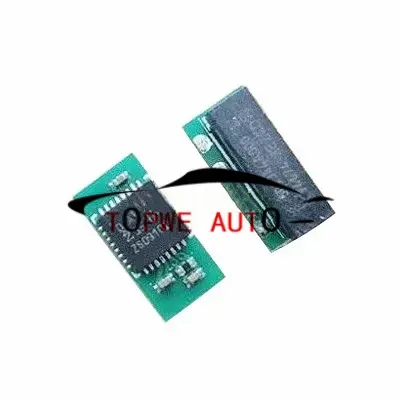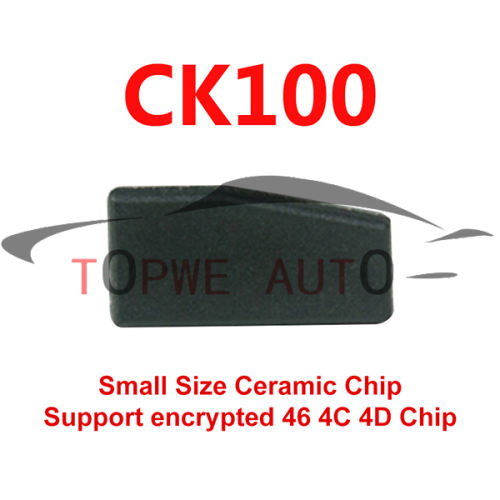




TP-chip-077
$2.00
$3.00
CGDI CG CP8X Super Chip Work with CGDI K2 Remote Programmer Set as lD46/ID4E 46_EXT/lD7938(ID47)/lDDST8/lD4E/lD49/lD48/lD4A/lD4C
CGDI CP8X super chip could be
Set as lD46
Set as ID4E 46_EXT
Set as lD7938(ID47)
Set as lD49
Set as lDDST80
Set as DST80_4D72G
Set as lD4E
Set as lD48
Set as IDTEMIC11
Set as IDTEMIC12
Set as IDMEGAMOS13
Set as lD4A
Set as ID8A(H)
Set it to 8A(blank) chip
Set as lD4C
How to Convert CP8X Super Chip by CGDI K2 Smart Key Tool?
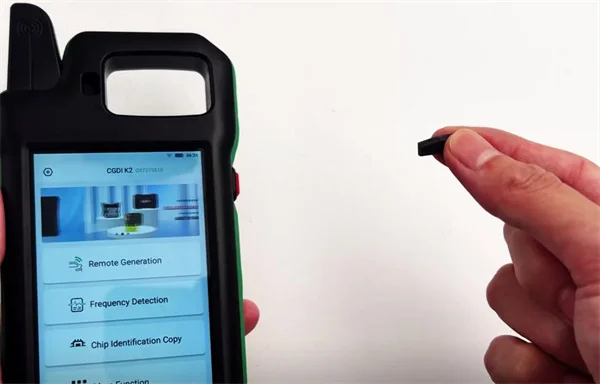
Conversion Procedure
Step 1: Insert the Super Chip
Put the Super Chip into the designated chip slot on theCGDI K2.
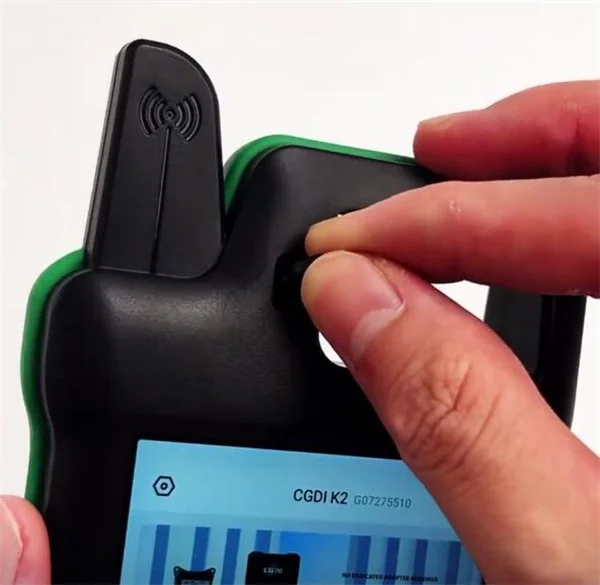
Step 2: Access Chip Conversion Function
Navigate to:
More Function → CP8X Super Chip (or select your target chip type).
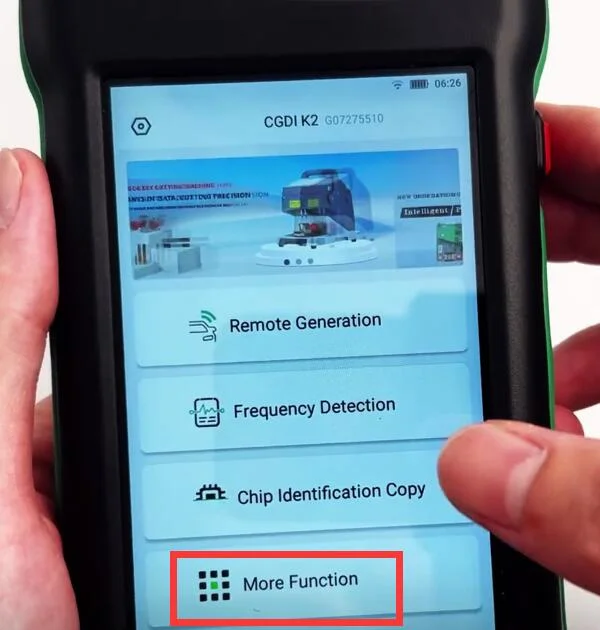
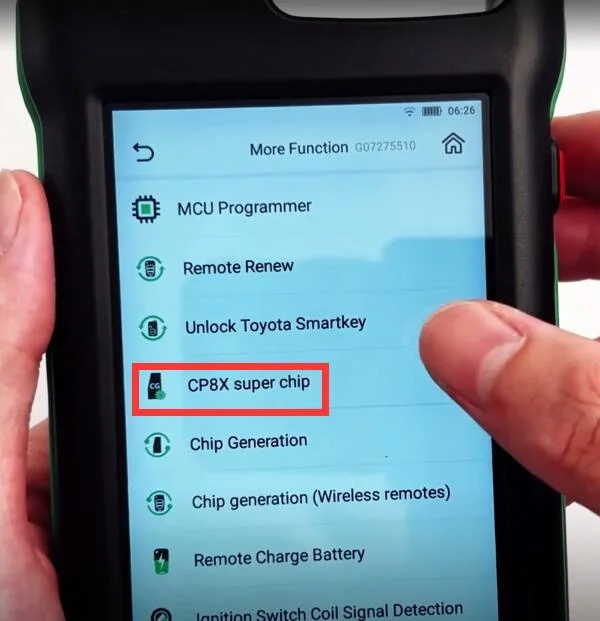
Step 3: Select Chip Type & Enter ID
Select the chip type you want from the list:
ID46
ID4E 46_EXT
ID7938(ID47)
ID49
IDDST80
DST80_4D72G
ID4E
ID48
IDTEMIC11
IDTEMIC12
IDMEGAMOS13
ID4A
ID8A(H)
8A(Blank) Chip
ID4C
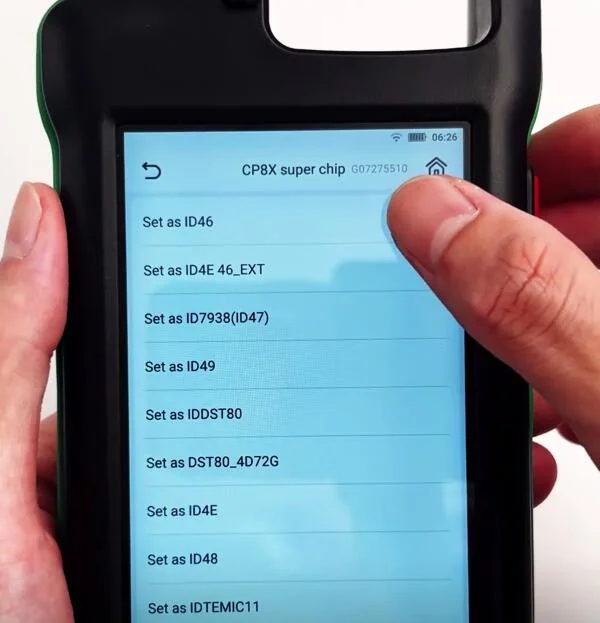
Example: Select "Set as ID46".
Click "Settings" (middle-bottom of the interface).
Enter the Chip ID(e.g.,12567121).
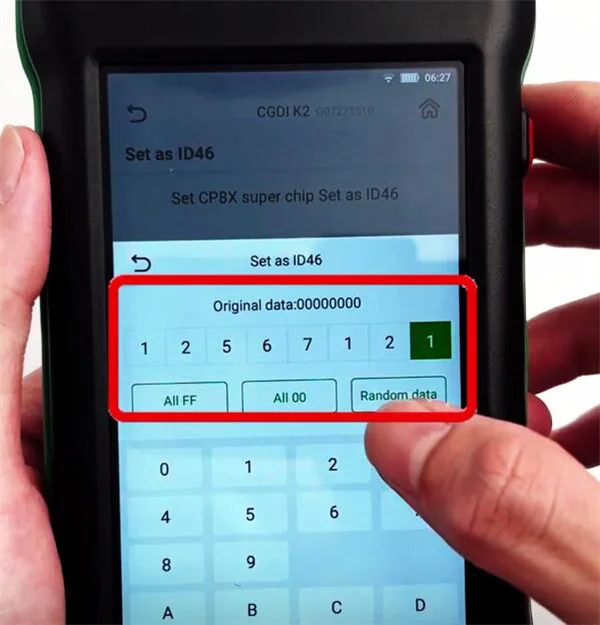
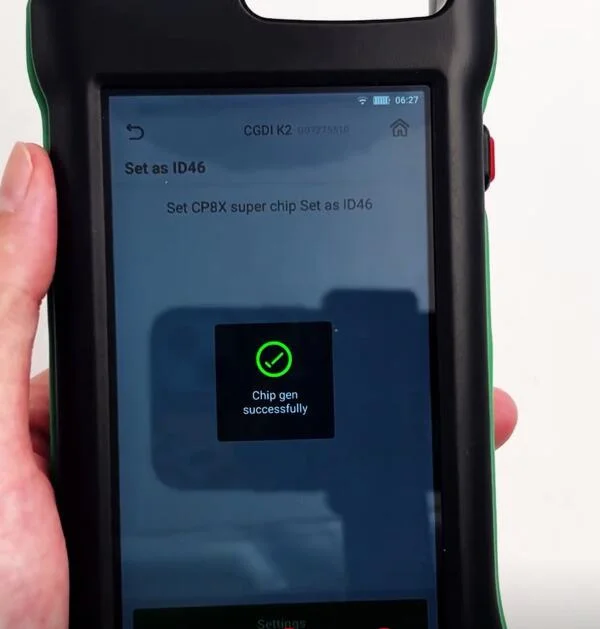
Click "Continue" to start the conversion.
Step 4: Verify Successful Conversion
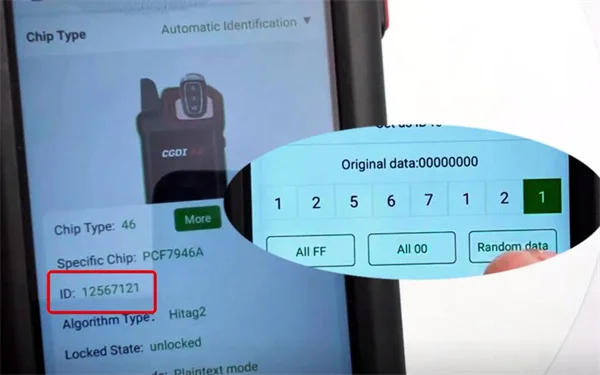
After completion, confirm the Chip ID matches:
Go to: Chip Identification Copy → Chip Identification.
If the displayed ID matches the entered value (e.g.,12567121), the conversion was successful by CGDI K2 key programmer.

Adding to cart succeed!
items in cart.
Total:
Requires a minimum purchase of {MinPrice}. And you still need to meet the requirements.
Proceed to Checkout Return to Shopping